A Monday morning resource meeting where every row on the capacity chart is full and nobody has a gap until the new year is a good feeling. The founder is pleased, because a full schedule feels like a healthy agency.
A capacity chart tells you who is booked to what. What it can't show is how much of that time a client is paying for, and that's the number that tells you if you're making any money.
In my last article I wrote about hitting a utilisation target when work is seasonal. This article looks at the other side, because you can hit the target and still lose money.
Booked time and paid time are different things
Take two jobs that each use the same number of hours. One was sold at a fee that works out well per hour. The other was sold at a fee that barely covers the salaries. On the capacity chart the two jobs look exactly the same. Once you compare the fees with the hours, one has made money and the other hasn't.
The same goes for a person. Someone can be fully booked all month and only part of that time may have been covered by what a client agreed to pay.
Three kinds of booked hour
When I look at a capacity chart, I try to sort every booked hour into one of three buckets.
- Paid for - the hours covered by the fee the client agreed.
- Client work nobody paid for - extra rounds, changes of scope, rework and jobs that were priced too low. The time is booked to the client's job, but the fee never covered it.
- Non-chargeable time - pitching, internal meetings, admin, training, recruitment and internal projects. It needs doing, but no client pays for it directly.
On the chart, all three look exactly the same.
Non-chargeable time is fine if you know where it's going
Nobody in an agency is going to be fully chargeable, and they shouldn't be. Pitching, training, interviewing and internal meetings all need doing, and an agency that squeezes them to nothing usually pays for it later.
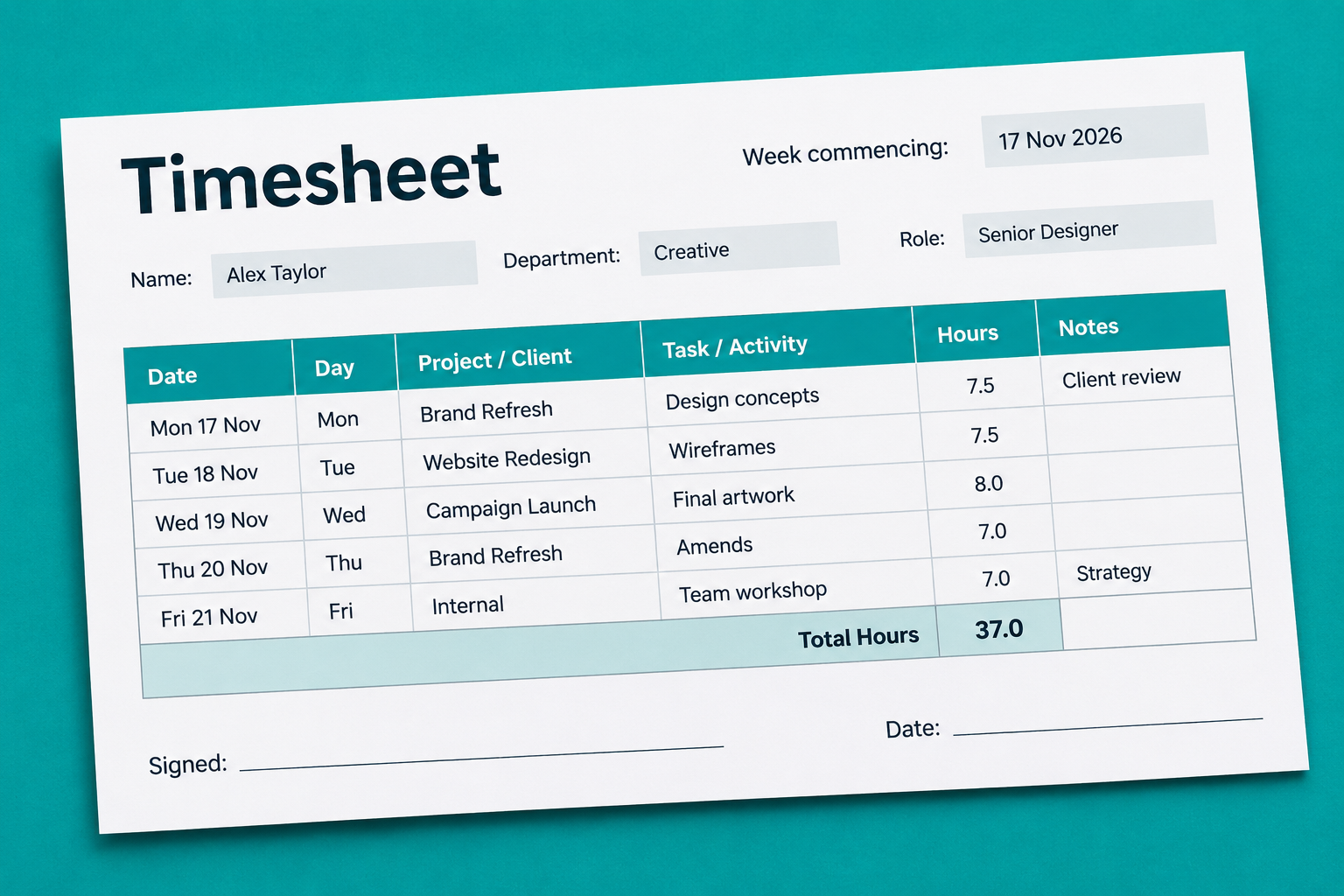
The trouble starts when you can't see where that time is going, so it's important to be specific. If people can type whatever they like into a notes box, you can see that a team is only part chargeable but you can't see why.
The fix I like is a drop down on the timesheet. Instead of free text, people choose from a short list of non-chargeable categories, such as new business, internal meetings, training, recruitment and internal projects. It takes a few seconds, everyone describes the same thing the same way and you can report on it.
A few things I'd keep in mind.
- Keep the list short - with too many choices people pick whatever is nearest.
- Be careful with an "other" option - it can become the place everything ends up. If you have one, look at what goes in it and add a category when something keeps appearing.
- Report on it every month - by category and by team, not just as one total for the agency.
- Agree what's reasonable - decide roughly how much time you expect to go on each category, so the report tells you something rather than being a list of numbers.
- Explain why you're asking - people are more honest on a timesheet when they know it isn't there to catch them out.
It's really important to monitor it. Left alone, non-chargeable time tends to creep up, and that comes straight off your profit.
Why unpaid client work is the hardest to see
Non-chargeable time is easy enough to spot once it has its own categories. Unpaid client work is harder, because it sits on the client's job and looks like chargeable time.
Nobody decides to over-service. It builds up one small favour at a time. Creative teams want the work to be good, and that's a great instinct, but it needs a budget around it.
It's also quite common for the account manager to ask for more time. They're close to the client, they want to keep them happy and an extra round or a bit more development feels like the right thing to do in the moment. Making sure that extra time is paid for can be challenging. It's much easier to say yes now, and the conversation about the fee often never happens.
Only resource what has been paid for
This is where an agency system can help. If your budgets are managed in the system and it ties into your resourcing, you can set things up so people are only resourced onto tasks that have been paid for.
When an account manager asks for more time, the request has to go through the budget first. That turns it into a conversation about a change request or a revised fee, rather than extra hours that appear on the chart without anyone agreeing to them.
It doesn't replace judgement, and I wouldn't want to charge for everything all of the time. Sometimes you will do something for free to keep the client relationship strong, and that's a sensible thing to do. If you monitor it, you keep an element of control. It becomes a decision someone makes and records, rather than something that builds up by drift.
In summary
A capacity chart is a useful tool, but it only shows you who is booked to what. A full schedule doesn't tell you how much of that time a client is paying for, and that's what tells you if you're making any money.
Some time will always be non-chargeable, and that's fine as long as you're specific about where it's going and you monitor it. Extra requests from clients are common, and it helps to have budgets tied into resourcing so that only paid for work gets resourced. You won't charge for everything, and sometimes giving something away is right for the relationship, but if you monitor it you keep control.
A busy team is a good thing to have, so it's worth checking the work is paying for it. If it isn't chargeable, at least know where the time is going. I don't think we'll move away from time and materials any time soon, so you need to make every hour count.
Not sure how much of your team's time is being paid for?
Book a call and we'll work through it together.